Hello again my imaginary friends and followers. My Human Computer Interaction (HCI) class’ second project is to create a prototype mobile website based on a local organization’s website. I teamed up with Di and Leo for this project. We only had to design 4-6 pages, but those pages had to be enough to allow a user to complete a specific task. We decided to do it on Food Forward because no one had any suggestions and I was familiar with this organization from their collaboration with Challah for Hunger. If you just wanna skip the post and view the final prototype, you can do so here.

Brainstorming:
The intended demographics of our design was anyone interested in volunteering for food insecurity that lives in southern California (although we were mostly focused on students), and the task we focused on was signing up for a volunteering event. We wanted to make the process of signing up for events easier. Since this organization is a local one, they only have volunteering events in southern California, making it make more sense for our demographic to be focused on people living in this area. This organization also has a lot of volunteering events, so it made sense to focus on that task. As an example of a real user looking for volunteering events on their site, here’s part of an email chain I had with people from Food Forward.

To being this process, we all critiqued the current website and mobile website individually before our first meeting.

We each made a list of things we thought about changing or implementing into the redesign.

One of the things I thought about was including some sort of filtering ability for the events. The reason why I thought of this was that I was only looking for a specific event in the scenario where I was looking for backyard harvest events outlined by the email above, however, there was no option to look at only those events on their current site. Also, filtering would help if people want to look for events during a specific time frame. Right now, a user would have to scroll through all the more recent events in order to reach later events. If there was a search feature, the amount of scroll would decrease, especially if the user was looking for events that are occurring months in advance. Adding a time filter feature basically reduces the time complexity of a user to scroll and find suitable events.

At our first meeting, we clarified the goal of the redesign and discussed the different ideas we had. In order to consolidate our ideas, we went through each page in our task flow and talked about what functionalities or information should be included or not included in each page and what additional pages we may want to add. As you can see, my calendar idea didn’t make it to the list. We decided that a calendar would take up too much space and be hard to read on a mobile device.

Making the wireframes:
Once we had a finalized list of features, we started to draw wireframes on the whiteboard. The wireframes were very basic and we added and removed some ideas based off of what we thought of while creating them. For example, we thought of a “Sort By” option on the event list view. Since users would be able to filter by different categories, it would make sense for users to be able to sort the list by different categories too. After we finished our wireframe, we also thought of adding a cancellation confirmation page if we wanted to let users cancel their events through the website. Currently, users could only cancel through email. If a user realized that they signed up for the wrong event, they would have to wait until they get the email or until they saw the email to cancel. It’s possible that the user would forget about signing up, leading to them forgetting to cancel. We also decided not to work on the group sign up form and to just focus on individual sign ups instead. Food Forward already has a Google Form for group sign ups, and we didn’t feel like recreating that in our redesign.


Then we uploaded pictures of the wireframes to Invision. Interactivity was added to the screenshots, creating an interactive wireframe that we could use for testing purposes.

We all went out and found some users to test our interactive wireframe on. To give context to the testing, we gave them a brief overview of Food Forward and what they do, and we told users to try to sign up for an event as if they were volunteering. I got my imaginary friend Kon to test our initial wireframe. I decided to have Kon as my user since he’s a resident of Southern California and he’s also a student that may potentially be interested in volunteering (he’s gone to soup kitchens in the past). I might have needed to give him some more details about the point of the test, but some of his comments were that we should have some more information in the homepage, the ability to search for events by zip code, a back to top button on the event details page, a hyperlink instead of a button for canceling an event, and a cancellation popup screen to ask users whether they really want to cancel their sign up. After we all did our user tests, we came back together to compare notes. Some of these comments were dropped since they were irrelevant for making wireframes or we thought it would be a bad idea to include them.

One thing we didn’t think of at all in our initial wireframe was another way to leave the sign up confirmation page. Users could only click on sign up for more or cancel their sign up. I didn’t think of putting another button to go to the homepage because I thought that having the picture in the top left would signify that they can click there to go back to the homepage (my teammates probably thought the same). We added in a “Back to home” button because of this feedback. Another thing we changed was the “Cancel your sign up” button. We made it into a hyperlink instead so that users don’t accidently click on it thinking it does something else.
We took notes of the common comments from the users and thought of ways to add them into our next wireframe, drawing quick whiteboard sketches of different features or layouts. Then Di redrew our initial wireframe with these new ideas into Balsamiq Cloud, making it look more a bit more refined.


We went out to the fields again to conduct some more user tests! This time I got Kon and my sister to test the prototype although I realized that my sister hasn’t set foot in California before. I just wanted additional input from someone else who has a different set of experiences. My sister is also a student and she also does volunteering events, albeit not related to food insecurity. However, the flow of actions should still be relatively the same. Kon didn’t really have much input; he mentioned a mispelling (which was a display error with the “r” in “Volunteer” being hidden behind the button outline) and that there were no buttons to click on after entering in a zip code on the initial event list page. His second comment was interesting because Di took off the submit/search button thinking that anyone who enters in a zip code (which is the only possible place to enter in text) will automatically click on the enter button in the keyboard. But that’s not always the case; someone might click outside the keyboard to exit out of it instead of clicking the enter button. So we decided to add a search button on that page.
My sister asked about a map view of the events, but many of these events are reoccurring ones or occur at the same location, so the map would have a bunch of events stacked up on top of each other. This kind of view might be a little bit too cluttered, especially on a phone, so we decided to forgo her suggestion. Our second user tests revealed that there wasn’t much that we needed to change about the overall flow of our mobile website. Some of the comments were ignored because it was a result of using a wireframe (the slideshow on the homepage was represented as it was because we didn’t want to implement the kind of slideshows that are typically seen on websites in our wireframe, but we wanted to represent it). Another feature we decided to ignore was adding pictures to the event list. The pictures might be a bit distracting and might cause users’ attention to focus on them when we want them to focus on the event itself. Later on, we tested out how pictures might be added to our event list, but that was off our radar at this point in the process. We decided to implement larger buttons though (Fitt’s law + easier clicking and less frustration!).

Making the final prototype:
We tried to transition directly from the wireframe to the final prototype but we had a bit of trouble. The main one was color; our wireframes had no colors at all, but we had to add color to our prototype. We couldn’t agree on what colors the homepage donate and volunteer buttons should be, as well as whether the banner should be colored or not. We started Googling orange to see what shades of orange might look better, but we didn’t really end up anywhere. At the end of this first prototype designing day, Di suggested that we each take on a page in our prototype (that’s not the homepage) and design it on our own, comparing all the different designs to each other later on and picking the different aspects of each design together to combine in our final prototype.
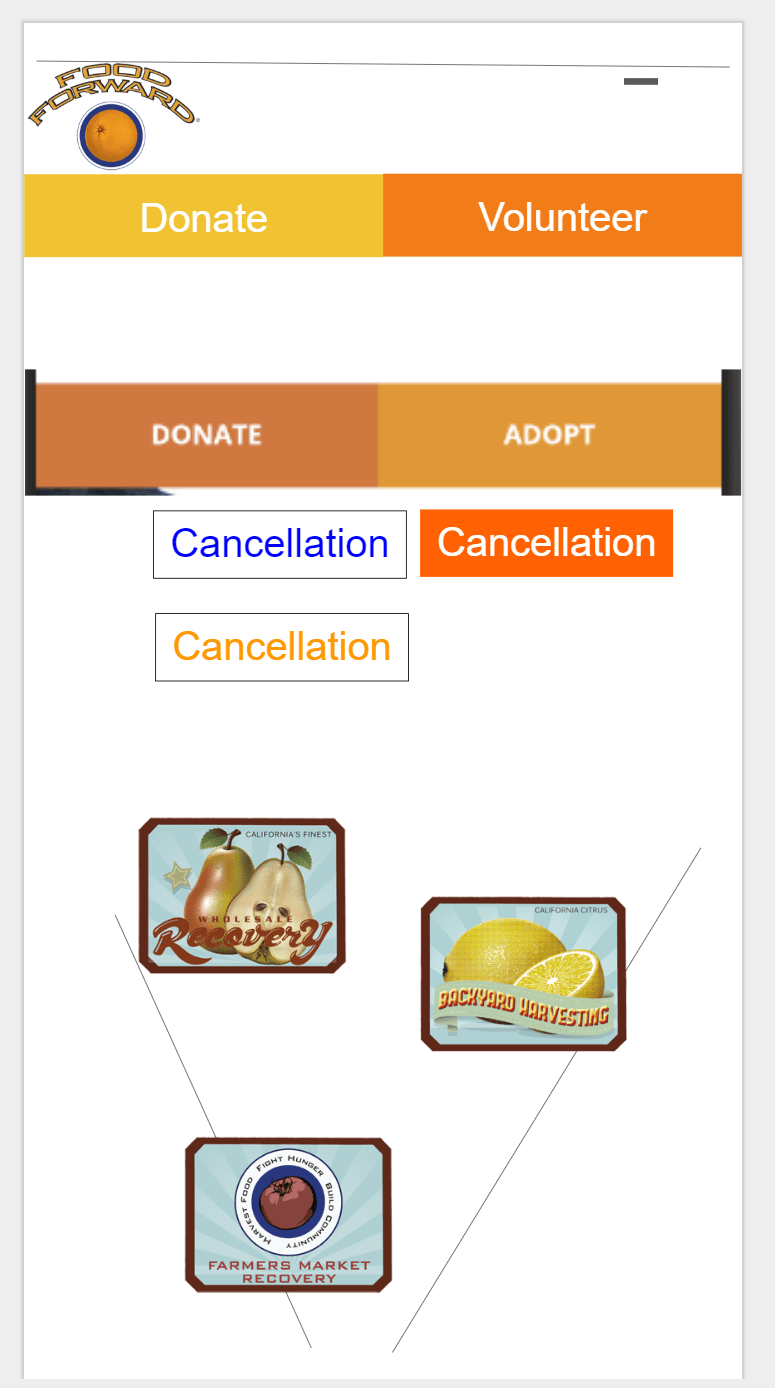
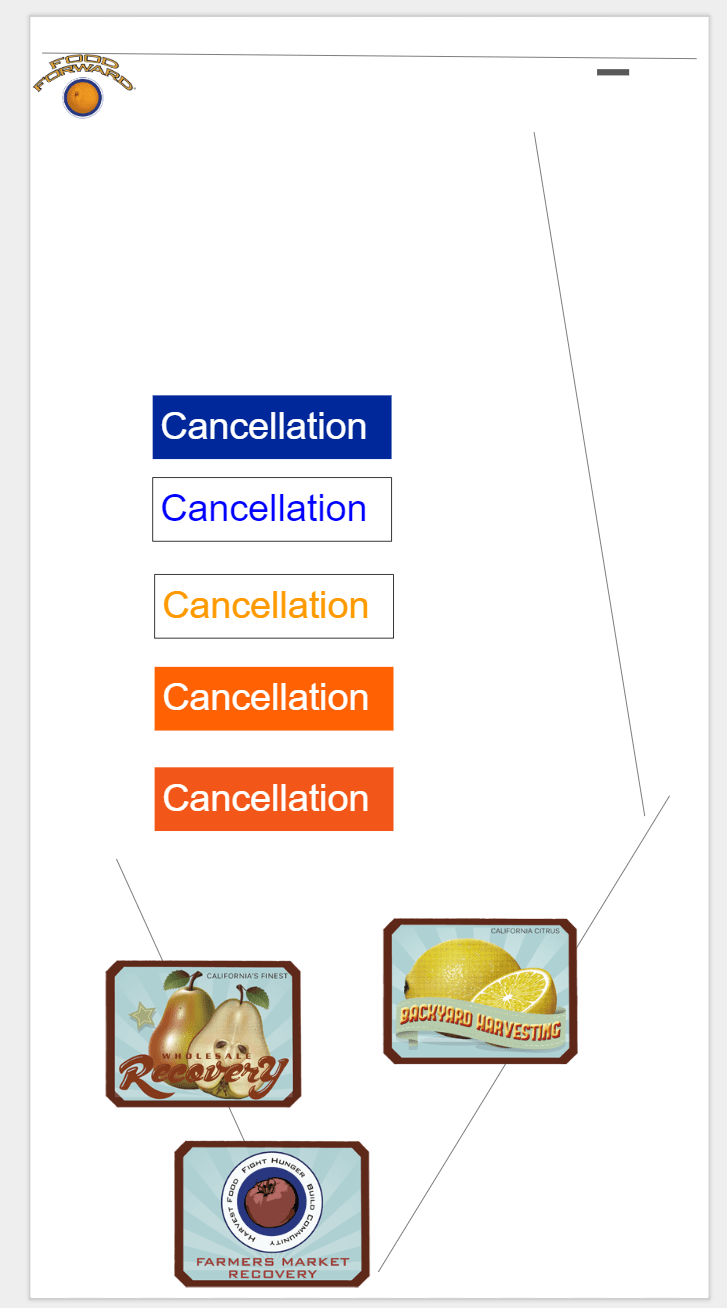
As you can see in the above photos, we were really fixated on button designs.
We later tried to come up with a list of colors to use for our prototypes so that there would be some consistency between them. Di suggested that we look at the World Wildlife Fund website since she really likes their design.

For the advanced search page, what I initially did was try to turn the wireframe into a colored version, playing around with the fonts a bit as well. The only thing about this design is that the text in the advanced search area is flushed to the right, making it a bit hard to read since users can’t predict where the next line will start. However, making the text flush to the left would leave some gap between the text and the entry box, possibly making it hard for users to know which box is for which option.


I got one of my imaginary friends, Senseless, to look at these screenshots and to let me know which ones he liked better. I was mostly trying to see what kind of fonts/shapes I should use. I do admit that my margins are a bit small in these screenshots as my teammates mentioned later on.


I came up with another way to represent the advanced search area, but we discarded it mainly because it required too much clicking to open up all the options.


Here’s the status of my teammate’s designs at this point:


I’m not sure why the search button is like that; at the time, it was formatted correctly. We critiqued each others designs and asked each other for feedback during the time when we were designing in the same space. You could say that we were converging on a light orange background color, but most of our designs from today were discarded at the end. We felt that they didn’t achieve the goal of our website, which is to be welcoming to people. Our designs were mostly compact (my advanced search) or didn’t seem like it would fit (Leo’s search page reminded us of a navigation system later on). We mostly liked Di’s registration form, but we weren’t sure which one to choose since we would want one that matches the design of the rest of our pages. We took a break and decided that we would work on the design more tomorrow, hopefully with a different perspective.
The next day, I retired from working on the advanced search page and was looking at the design of other websites, taking screenshots of them and posting them up so that we could all use them as a reference in our design. Di had a list of websites in mind to look at.

-
- https://www.worldwildlife.org/
- https://feastforall.org/
- http://www.rootdownla.org/our-story/
- https://foodfirst.org/
- http://www.farmlot59.org/
- http://gardenschoolfoundation.org/
- https://seela.org/
- https://www.farmersmarketla.com/
- https://kisstheground.com/
- https://biggreen.org/
- https://dribbble.com/shots/5311077-Meetup-Tickets-App-Screen
- https://dribbble.com/shots/5323831-Memories-Timeline
Di started with the banner and trying to make the logo work with a rustic background. I think she was also working on the homepage and the advanced search page.


Leo worked on the event detail page. He was inspired by some of the screenshots he saw.

Later on, we talked about integrating pictures or icons into our event list page, so I looked at different icons for icon ideas.

The simpler looking icons inspired us to go with a more “doodle-like” design. We thought that a doodle-like design would seem more friendly and welcoming compared to other fonts and designs. At this point, Di thought about changing the logo to make it more doodle-like so it could fit with our design idea of making the website doodle-like.


After I left, Di decided to test out the new logos on her advanced search design. Leo was still there with her, but I’m not sure what he was doing since I wasn’t there with them.


Later that day, we converged on a background for our site and a general design of white rectangles behind text. Di took the background from one of the images on Food Forward’s website and edited it for our background.


This allowed us to start making a complete prototype with designs we mostly agree on. I was working remotely on converting our old designs into the new design scheme, and also on changing the homepage content a bit (just added the “Our Programs” section).


Di was testing out other search page layouts (with Leo I assume; think he was giving his input/ideas/doing research about them as she was editing the slides).


We discarded the design with a photo background behind the text because it was a bit distracting and hard to read. As for the other designs, we thought that having all the information together in one rectangle would be best, and that it would make more sense that clicking on an event would lead to the event details page instead of showing more details in the event box (what else would users click to advance to the event details page if this were the case?). Then we decided that the color of the date font should be the same as the rest of the text since we want users to focus on the title of the events too.
Later on, I asked about making our buttons consistent. Since the pages were designed by different people, the buttons had slightly different designs as well. We decided to go with round, light orange buttons instead of the more rectangular or darker orange ones. The lighter orange seems more warm and the rounder buttons seemed less formal and subsequently more friendly. However, we had to agree on the text font, which was a bit harder. I made a bunch of test buttons so that we could view the different formats near each other. We narrowed down the fonts to 3 different ones and then picked one of those.


To sum it up, we super converged and basically made a finished prototype that needed a few finishing touches.


I made a footer for our website sometime that night while waiting for Di/Leo to finish their designs.

Then I moved our designs to a new Google Slides that was longer so that we could have more content on a page (this allows for scrolling in Invision) and so that it could be Invision ready (the top 0.5 inches are cut off). Di told me that we should try to get more blue in our background and I agreed with her. The blue was a bit shorter since the top got cut off, and now that we have scrolling, there’s relatively more green than blue compared to before. I saved that work for the next day though.


The morning after, Di worked on incorporating more of the new design idea into our prototype. Most of the white, round rectangles behind the text are gone now, and the fonts are also more consistent for the content.


We agreed that the new designs fit better with our general design, so I moved them over to the Invision ready Google Slides. Our prototype was basically done then. I added a browser footer design so that it would be clearer that our prototype is for a website and not an app (and also so that people can go backwards in our Invision prototype like a normal website). The final prototype was changed a bit; there was a spelling error (“ADAVANCED SEARCH”) that Di and I didn’t catch but Leo did, and Di suggested that we should change the advanced search page a bit so that the browser footer started closer to the middle of an event item on the advanced search page. That way, users would know that there was more to the list. I thought that users would know that from seeing the regular search page, but it’s possible that users might click directly on advanced search and not see the rest of the search page.


You can view the final prototype here. I got Kon to user test the final prototype. He didn’t really have any comments except that scrolling worked. The same for my teammates’ user tests, although someone mentioned that there should be a way to get out of the advanced search and back to regular search. However, we did realize that we left a few things out. For example, we didn’t signify whether an event was full or not/didn’t account for full events; Food Forward allows people to sign up to be on stand by for events. In the future, we could add some color to the borders of the events to let people know whether an event is full or not (ex. green border for not full and red or yellow for full). Another thing we didn’t include was the release form, although we didn’t know that they had a release form when signing up for the first time. This is a minor detail that could be fixed by adding an additional page to our website.

A Reflection:
Imaginary you: What did you learn from working on this project?
I learned that designing is hard : ( and takes a long time : ( The wireframes weren’t as difficult, but that was mainly because we didn’t care too much about the layout or content. What was hard was us trying to make our website be more personal instead of professional. If we wanted something professional, we could have gone with a plain white background, but we wanted something personal that was warm and friendly to users. Trying to find a background to fit the company’s theme while accomplishing this was hard. Being personal is harder than being professional (from my lecture :3). Along with that, we all had different expectations or ideas of how the website should look, so converging on a general design was hard before we settled for the doodle-like design. Even before that though, we spent a lot of time on how we should display events. How much information should be in them or how should they be organized? The whole process took a lot of time and effort, but I think our final results achieved our goal of making the sign up process more friendly, and it looks nice! I’m done with working on this project!
 Seluni's Adventures